

Habib University offers multiple online and in-person payment methods. We strongly encourage online payments because they post quickly and require minimal effort.
You can pay your fees via any of the following banking channels:
- Online Fee Payment via Mobile/Internet Banking
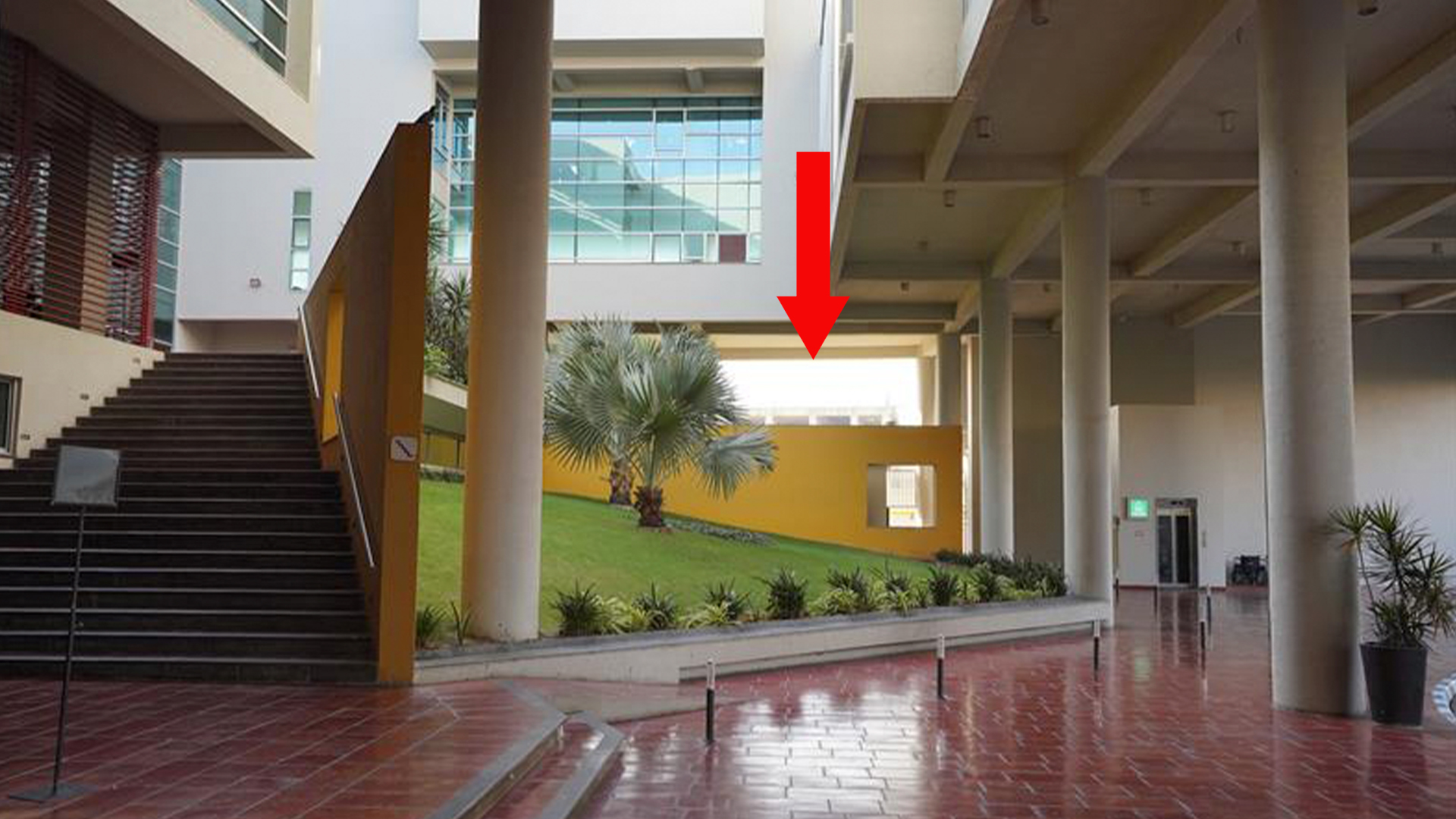
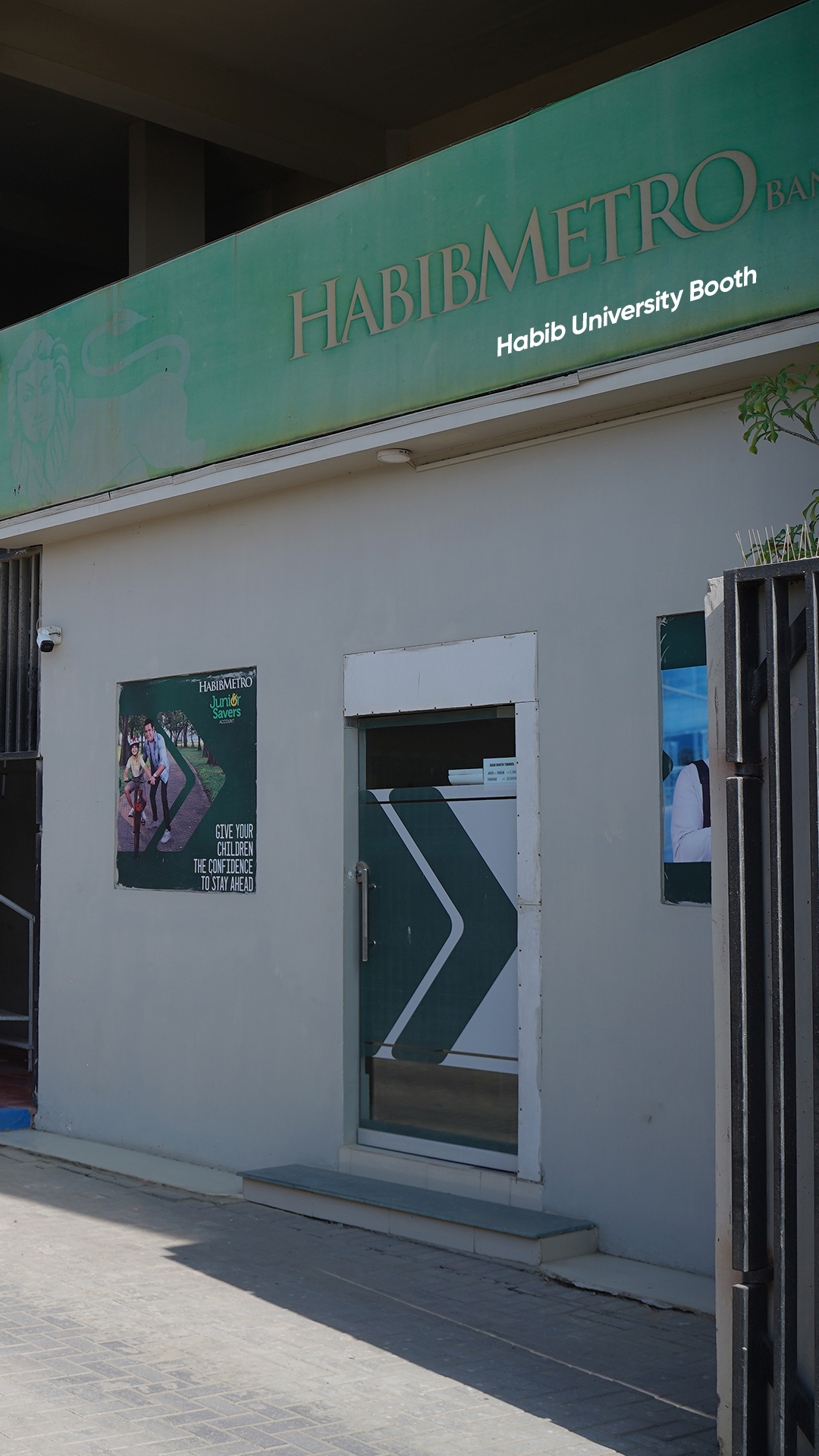
- On-Campus Bank’s Facility (HabibMetro)
- Fee Payment via Cash/Cheque
- Online Fee Payment Via Debit / Credit Card
Use the HABALL Payment Gateway in your Bank’s Mobile Application OR Internet Banking and enter the PSID printed on your fee voucher. List of Banks are provided below:
Mobile Banking App Options
| Bank Name | Payment Instructions |
|---|---|
Al Baraka Bank
|
Billing Payments Consumer > (+) Category > Digital Payment Company > HABALL Consumer Number > PSID |
Askari Bank
|
1Bill Invoice Payments Consumer No. > 142226PSID Pay |
Bank Al Falah
|
Payments Pay Pro Select > HABALL Consumer Number > PSID |
Bank Al Habib
|
Pay Bill Add New Biller Category > Aggregator Biller Name > HABALL Consumer Number > PSID Pay Now |
Bank of Khyber
|
Bill Payments Company Name Select > Haball Consumer No. > PSID |
Bank of Punjab
|
Bill Payments Add Bill Payee Payment Type > Other Category > Other Company > HABALL Consumer Number > PSID Confirm > Enter OTP > Ok |
Dubai Islamic Bank
|
Bill Payments Other Company Name (Haball) Consumer ID > PSID |
Easy Paisa
|
Bill Payment Other HABALL Consumer ID > PSID |
Faysal Bank
|
Beneficiary Management Payments ADD (+) Bill Type > Digital Payments Company Name > HABALL Consumer Number > PSID |
Habib Bank
|
Options Beneficiary Management Pay Click Plus Button (+) Select > HABALL Consumer Number > PSID |
Habib Metro
|
Payment & Transfer E-Commerce Select > HABALL Consumer Number > PSID |
Jazz Cash
|
Other Payments & Services Corporate Payments HABALL Enter Account Number > PSID |
JS Bank
|
Pay Corporate Payment Select Company > HABALL01 Consumer Number: PSID |
Muslim Commercial Bank
|
1 Bill Invoice Payment Consumer No. > 142226PSID Pay |
Meezan Bank
|
Bill Payments Add Bill Search > Haball Consumer Number > PSID Pay |
Silk Bank
|
Bill Payments Select Bill Type > HABALL Consumer Number > PSID Pay |
Soneri Bank
|
Bill Payments Other Select Company > HABALL Consumer Number > PSID |
UBL
|
Government & Online Payments 1 Bill Invoice/Voucher Consumer No. > 142226PSID Pay |
Note: Nominal platform service charges apply as per the table below
| Transactions Amount | Transaction Charges |
|---|---|
| For up to PKR 9,920 | PKR 80/ Transaction |
| PKR 9,920 – PKR 99,835 | PKR 165/ Transaction |
| PKR 99,835 – PKR 249,820 | PKR 180/ Transaction |
| PKR 249,821 – PKR 999,740 | PKR 260/ Transaction |
| PKR 999,741 – PKR 2,499,580 | PKR 420/ Transaction |
| PKR 2,499,581 – PKR 4,999,400 | PKR 600/ Transaction |
| PKR 4,999,401 – Above | PKR 800/ Transaction |
Internet Banking Options
| Bank Name | Payment Instructions |
|---|---|
Allied Bank
|
Pay Bills New Biller Category > HABALL New Biller Name > Other Reference No/Consumer ID > PSID Validate > Confirm Enter OTP > Continue Payment successfully processed |
|
Bank Al Falah
|
Services Payments Other Company Name Select > HABALL Consumer Number > PSID Fetch Detail Pay Now > Proceed Enter OTP > Continue Payment successfully processed |
|
Bank Al Habib
|
Pay Bill Add New Biller Category > Aggregator Biller Name > HABALL Consumer Number > PSID Pay Now |
|
Habib Bank
|
Pay Add New Bill (+) Select > HABALL Consumer Number > PSID |
|
Habib Metro
|
Online Payments Utility / Online Payments Utility Type > E-Payment Utility Name > HABALL Consumer Number > PSID |
|
JS Bank
|
Bill Payment Utility & Mobile Postpaid Service Type Utility Company > Digital Payment Service > HABALL01 Consumer Number > PSID |
|
Meezan Bank
|
Bill Payments Add Bill Search > Haball Consumer Number > PSID Pay |
|
Silk Bank
|
Bill Pay Manage Billers One Time Bill Payments Bill Category > Other Biller Name > HABALL Account Number > PSID |
Note: Nominal platform service charges apply as per the table below
| Transactions Amount | Transaction Charges |
|---|---|
| For up to PKR 9,920 | PKR 80/ Transaction |
| PKR 9,920 – PKR 99,835 | PKR 165/ Transaction |
| PKR 99,835 – PKR 249,820 | PKR 180/ Transaction |
| PKR 249,821 – PKR 999,740 | PKR 260/ Transaction |
| PKR 999,741 – PKR 2,499,580 | PKR 420/ Transaction |
| PKR 2,499,581 – PKR 4,999,400 | PKR 600/ Transaction |
| PKR 4,999,401 – Above | PKR 800/ Transaction |





Need Assistance?
Office of Student Finance
Talk to Us: +92 21 111 042242 (HABIB) Ext. 4549, 6245
Write to Us: Student.Finance@Habib.edu.pk
Visit Us: Student Center, Habib University


